
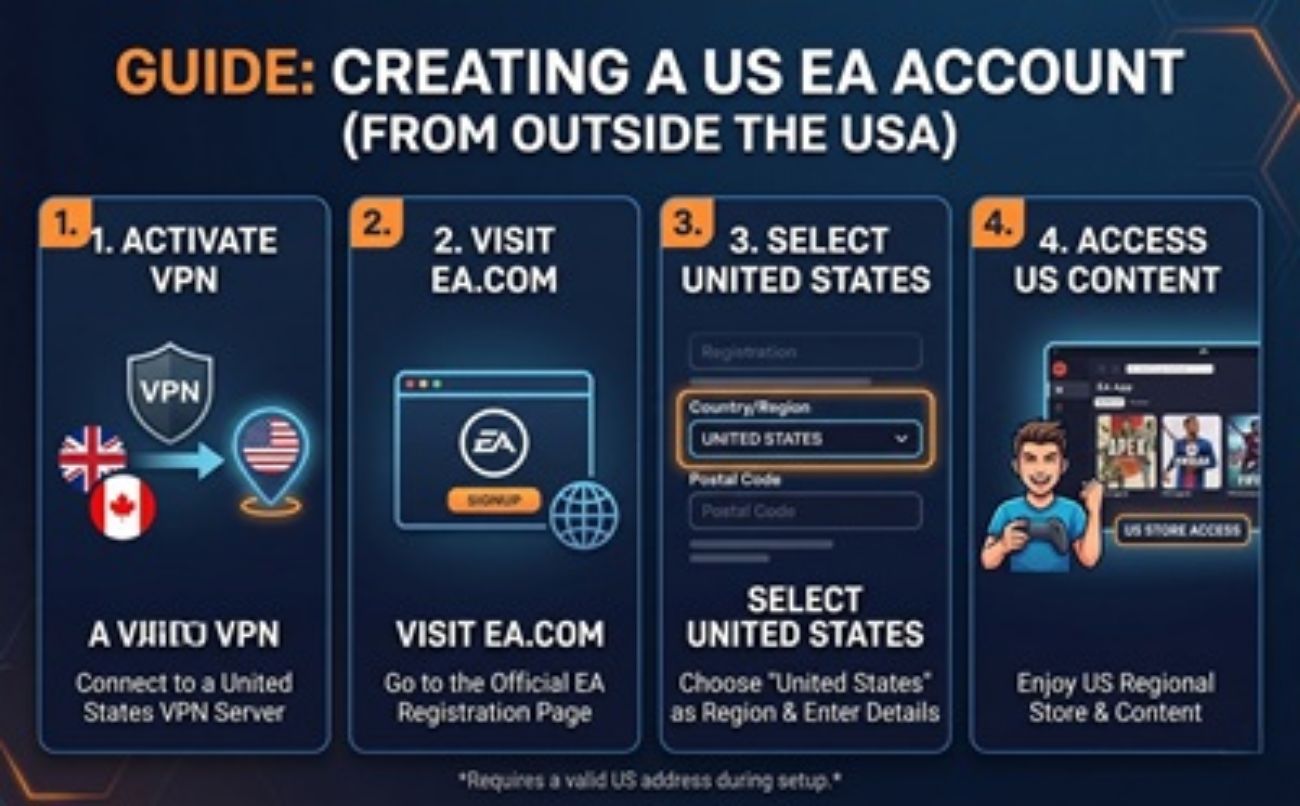
How to Create a US EA Account from Outside the United States
If you live outside the United States, you might not realize that your regional EA App (formerly Origin) storefront is limiting your gaming experience. Due to regional restrictions, pricing differences, and local censorship laws, gamers worldwide are missing out on the ultimate Electronic Arts experience.
The solution? Creating a USA-based EA Account. In this guide, we'll walk you through exactly how to set one up and how you can easily fund it to unlock everything the US EA ecosystem has to offer.
The Benefits of an EA USA Account
By switching your digital residency to the United States, you instantly gain access to exclusive content, unrestricted games, and better services:
- The Full EA Play & EA Play Pro Library: Some regions have smaller, restricted game libraries. A US account grants you access to the 100% complete EA Play Vault, including early 10-hour trials for massive releases.
- US-Exclusive & Uncensored Titles: Games like Dead Space, Dragon Age: The Veilguard, and the Battlefield series are heavily censored or outright banned in certain countries (like Germany or Japan). The US store provides the original, uncut versions exactly as the developers intended.
- Sports Exclusives: Get premium access to strictly US-focused promotions and ultimate team bundles in games like EA SPORTS College Football 25 and Madden NFL.
- Massive US Holiday Sales: Gain access to exclusive Black Friday, Cyber Monday, and 4th of July flash sales that are rarely matched in international regions.
Step-by-Step: How to Sign Up for an EA USA Account
Creating a US account from another country is incredibly easy. Just follow these steps carefully:
Before opening your browser, turn on a reliable VPN and connect to a server located in the United States (e.g., New York, Los Angeles, or Chicago).
To prevent EA from reading your local browser cookies, open a private or Incognito browsing window and navigate to the official EA website.
Click on the Profile icon at the top right of the page and select Create Account.
When prompted for your Country/Region and Date of Birth, you must select United States from the dropdown menu. Complete the form and click Next.
Fill out the remaining details using an email address that has never been linked to an EA account before. Verify the code sent to your email, and congratulations—your US account is ready!
How to Buy Games on a US EA Account (The Workaround)
Once your US account is set up, you will run into one final obstacle: the EA US storefront requires a US-based payment method. If you try to use your local, non-US credit card or a foreign PayPal account, the transaction will be declined.
The Ultimate Solution: You need to use EA USA Gift Cards. By redeeming a US gift card, you instantly add US Dollars (USD) to your EA Wallet, which allows you to seamlessly purchase any game, DLC, or EA Play subscription without needing an American credit card!
Ready to Unlock Your US EA Account?
Purchase a 100% legitimate, USA-compatible EA gift card today. Instant digital delivery, no hidden fees, and safe checkout.
Buy Cheap EA USA Gift Cards HereDisclaimer: Ensure your VPN remains connected to the US when redeeming your gift card for the first time to avoid any region-lock errors on the EA App.
